
Fannie Mae's Desktop Underwriter (DU) and Freddie Mac's Loan Product Advisor, still called LP by plenty of veterans, are the two automated underwriting engines that decide whether a file moves forward or stalls. DU runs on Fannie Mae's rules; LP (LPA) runs on Freddie Mac's. When the two disagree, and they do more often than most loan officers expect, the fix usually isn't a new loan program. It's checking which AU actually ran, clearing every condition attached to that finding, and knowing when a re-run under the other system is worth the time.
Here's what to do with a file right now:
- Confirm which AU produced the finding in your file, DU or LP before you touch conditions.
- Satisfy every condition tied to that specific finding; a clean Approve/Eligible or Accept doesn't erase lender overlays.
- If the finding is marginal or a refer, consider running the file through the other GSE's system before assuming a manual underwrite is required.
Key Takeaways
Matching your documentation to the specific AU finding in your file, DU or LP, resolves more condition delays than switching systems ever will.
| Point | Details |
|---|---|
| Confirm which AU ran | Check your LOS logs for DU or LP (LPA) before clearing any conditions. |
| Labels aren't interchangeable | DU's Approve/Eligible and LP's Accept don't carry identical requirements. |
| Validations cut paperwork | Asset, income, and employment validation can eliminate manual documentation when they pass. |
| Re-run only after verifying data | Fix inputs first; a second AU run on bad data just doubles your condition list. |
| Integrated platforms reduce rework | 1 Solution Mortgage Software maps AU responses directly into condition-clearing workflows to cut manual re-entry. |
Table of Contents
- What Is LP DU and How Does Each System Read a File?
- How Do DU and LP Findings Compare Side by Side?
- Why Do DU and LP Sometimes Disagree on the Same File?
- What Submission Habits Improve Automated Findings?
- What Recent GSE Updates Should Brokers Track?
- How Does Better LOS Integration Reduce AU Friction?
- What Should Loan Officers Prioritize First?
- Reduce AU Rework Without Adding Headcount
- Sources
What Is LP DU and How Does Each System Read a File?
DU and LP (Loan Product Advisor) both digest the same raw inputs, credit, income, assets, employment, debt-to-income, loan-to-value, and property data, then spit out a risk-based recommendation in seconds. The mechanics differ under the hood, but the ingredients going in are nearly identical.
Fannie Mae runs DU and makes it available to brokers through Desktop Originator (DO), the front-end brokers use to submit files into DU. Freddie Mac runs Loan Product Advisor, the current name for what the industry has called LP for decades; most loan origination systems still log it as "LP" in their AU response fields, so don't assume your system uses the newer name.
The findings labels are where the two systems visibly diverge. DU returns results like Approve/Eligible or Refer/Eligible. LP returns Accept or Caution, sometimes Ineligible. The label sets don't map one-to-one, which trips up officers who assume "Accept" and "Approve" carry the same weight.
Both systems also run automated validations that can shrink your documentation pile; this approach parallels how AI mortgage approvals in Canada use automation to speed approvals and reduce manual work.
- Asset validation pulling directly from bank data sources
- Automated income validation against payroll or tax records
- Employment verification through third-party databases
- Property inspection waiver (PIW) or appraisal waiver eligibility checks
When a validation clears, you often skip the manual paper trail entirely, which is a bigger deal for turn times than most officers give it credit for. Our guide to mortgage automation tools breaks down how these validation layers actually function.
How Do DU and LP Findings Compare Side by Side?
Choosing between DU and LP isn't just about which one says yes. It's about which one says yes with fewer strings attached, and that depends on the specific dimensions below.
| Dimension | Fannie Mae DU | Freddie Mac LP (LPA) |
|---|---|---|
| Findings labels | Approve/Eligible, Refer/Eligible | Accept, Caution, Ineligible |
| Automated validations | Asset, income, employment validation via DU | Similar validation suite via LPA's automated tools |
| Appraisal waiver path | PIW when eligibility criteria are met | Automated collateral evaluation when eligible |
| Access point for brokers | Desktop Originator (DO) | LOS integration or direct portal access |
| Typical lender action on pass | Clear conditions, deliver to Fannie Mae | Clear conditions, deliver to Freddie Mac |
Rule-level differences show up in places that rarely make headlines but change real files. Gift fund handling and appraisal extension practices are two areas where DU and LP diverge enough that a file rejected by one can sail through the other with zero changes to the borrower's actual financial picture.
A few practical takeaways:
- Use the table as a pre-submission checklist, not a final answer. Overlays your lender adds on top still apply regardless of which AU clears the file.
- If PIW eligibility matters for your borrower's closing timeline, check both systems. One appraisal waiver path being closed doesn't mean the other is.
- Document which AU produced the finding you're relying on. Investors will ask.
Why Do DU and LP Sometimes Disagree on the Same File?
DU and LP weigh the same inputs through different risk models, so a borderline DTI ratio or a thin credit file can tip one system toward Approve and the other toward Caution. Neither system is "wrong." They're built on separate risk frameworks maintained by separate GSEs, and lenders commonly run both selectively to see which produces the stronger, more sellable result.
Here's the workflow that actually resolves a mismatch:
- Re-verify every input, credit pull date, income figures, asset statements, before assuming the AU is the problem. Bad data in produces bad findings out.
- Clear whatever automated validations flagged on the first run; a failed income validation on one system often fails on the other too.
- Run the file through the alternate AU only after step two, not before. Running both simultaneously on a flawed file just doubles your condition list.
- Document the finding you ultimately rely on, along with the date and version, in case the investor questions the file later.
DU returns Refer/Eligible because of income variability across two years of returns. The officer re-runs the same file through LP after confirming the income calculation method, and LP returns Accept because it weights the borrower's asset reserves more heavily. Same borrower, same numbers, different outcome.
Pro Tip: Before re-running a file under the alternate AU, change nothing except confirming data accuracy. Loan officers who "fix" a marginal file by padding numbers before the second run create a documentation mismatch that underwriters catch fast.
What Submission Habits Improve Automated Findings?
Clean inputs produce clean findings. Most AU friction traces back to sloppy file prep, not the algorithm itself.
- Pull credit as close to submission as possible; stale reports trigger unnecessary re-runs.
- Package bank statements with clear, labeled deposits so asset validation doesn't kick to manual review.
- Document income calculations the same way your AU expects, especially for self-employed borrowers with variable income.
- Confirm employment verification sources are current before submission, not after a refer comes back.
Avoid manual overrides unless truly necessary, they often void automated validation benefits, and never submit with an appraisal past its shelf life; both GSEs treat stale appraisals as an automatic condition trigger. For deeper guidance on packaging documents correctly the first time, see our breakdown of mortgage document packaging.
Pro Tip: Sequence your documentation so income and asset docs land in the file before you run AU a second time. Underwriters reviewing a re-run want to see what changed, not have to guess.
What Recent GSE Updates Should Brokers Track?
Freddie Mac rebranded Loan Prospector as Loan Product Advisor years ago, but plenty of LOS platforms and seasoned officers still say "LP" out of habit. Check your system's log output to confirm which name it's actually recording, since some integrations still reference the legacy term internally.
Beyond naming, a few practical checkpoints matter for your LOS or POS setup:
- Confirm your platform maps borrower data fields identically for both DU and LPA submissions to avoid duplicate data entry.
- Verify document upload triggers auto-attach to the correct AU response, not a generic file bucket.
- Check that AU conditions populate directly into your condition-clearing workflow instead of requiring manual re-entry.
Our loan origination system guide covers field-mapping specifics if your platform needs an integration audit.
How Does Better LOS Integration Reduce AU Friction?
The best gains come from pre-validation, checking asset and income data against AU expectations before the first submission, which cuts condition cycles significantly. A typical flow looks like: LOS captures borrower data, sends it to DU or LPA, and the AU response routes conditions back into the same system for clearance, no manual re-typing required.

Fields that must map cleanly include income source type, asset account details, and employment verification status. Miss one, and you'll see a rejected field trigger a manual condition that shouldn't exist. Founder Omar Khamisa built 1 Solution Mortgage Software after two decades in mortgage operations, including years spent underwriting files exactly like these, which shaped how the platform handles AU response mapping. For a broader look at broker-side operations, see mortgage broker operations explained.
What Should Loan Officers Prioritize First?
Fix your inputs before you fix your process. Bad credit pulls, sloppy income math, and stale appraisals cause more AU mismatches than any algorithmic quirk between DU and LP. Document every condition tied to the specific finding you're relying on, and match your file to that AU's expectations before you ever consider a re-run. For more on operational fundamentals, our blog covers the broader workflow at 1 Solution Mortgage Software.
Reduce AU Rework Without Adding Headcount
Chasing conditions across two AU systems by hand eats hours every officer would rather spend originating. An integrated platform that auto-populates AU fields, flags missing docs before submission, and routes conditions straight into your workflow cuts that rework down to minutes.
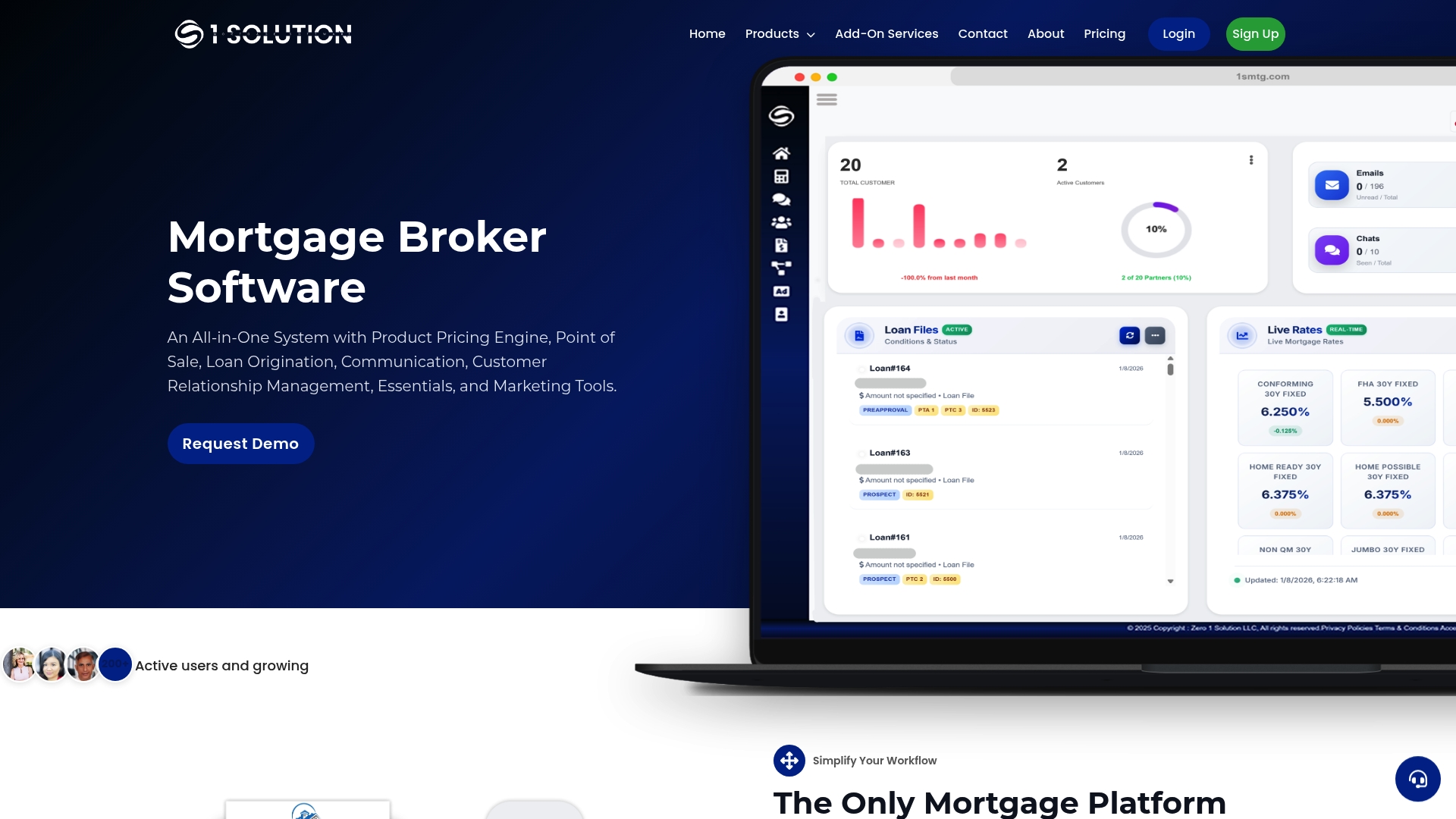
Third-party validation vendors and standalone document trackers can patch pieces of this problem, but they still leave you stitching data between systems by hand. 1 Solution Mortgage Software was built by a mortgage veteran specifically to close that gap, connecting your POS, LOS, and AU responses in one place so conditions clear faster and files move without duplicate entry. Visit the 1 Solution Mortgage Software platform page to see how the integration works, or request a demo to walk through your own AU workflow with the team.
Sources
Verify current overlays and AU behavior against these sources before finalizing any submission decision.
This article is general information, not a substitute for advice from a qualified financial advisor. Consult a qualified financial professional about your own circumstances before acting on anything here.