
You can change how the 1003 looks, such as fonts, shading, date delimiters and pagination. You cannot change field names, descriptions or section order. Whatever your borrowers see, your final export has to map to MISMO v3.4 and follow the GSE automated underwriting (AUS) specifications. Fannie Mae's rendering options draw that line, and CFPB rules govern the demographic questions.
TL;DR:
- Use fonts of at least 8 pt, adjust shading and pagination, and move fields only within their sections; never alter field names, descriptions, or section order.
- Map every screen field to stable ULAD and MISMO v3.4 identifiers, preserve AUS cardinality and conditionality, and test exports in both DU and LPA sandboxes.
- Make ethnicity, race, and sex questions optional, never prefill them, log the collection method, and limit reporting to five combined aggregate categories and subcategories.
- Before each release, verify current DU and LPA specifications, retest edge cases such as multiple borrowers and blank optional sections, and archive a passing sandbox run.
Table of Contents
- What rendering changes can you safely make to the 1003?
- How do interactive and dynamic formats differ for the 1003?
- How does the 1003 map to ULAD and MISMO v3.4?
- How should you collect ethnicity, race and sex under Regulation B?
- What does a practical implementation checklist look like?
- Which compliance pitfalls trip up customized forms?
- How does 1003 customization connect to your CRM and LOS?
- How do you keep borrower-facing elements compliant?
- How should you handle updates and version control over time?
- How do you train your team and manage the change?
- Author perspective: why a compliance-first approach wins for brokers
- How 1 Solution helps you customize the 1003 with confidence
- FAQ
- Sources
What rendering changes can you safely make to the 1003?
Fannie Mae's rendering options let you change the style and formatting of the form as long as data integrity still matches AUS specifications. Rendering options allow a minimum font size of 8 pt so values fit, and they let you adjust page breaks and section lengths. Field wording, field names and section order stay locked.
Here is the safe styling checklist we work from:
- Font style and size: change them freely, but keep text legible and values fully visible.
- Dashes and slashes: remove or replace them in date and number fields, as long as the export still converts cleanly.
- Text wrapping and gray shading: adjust both to fit your brand and your fields.
- Pagination and continuation sheets: set page breaks where they suit you, and use continuation sheets when additional borrowers or properties overflow a section.
- Footers: show the borrower name and handle multiple-borrower footers consistently.
- Field position: you may move a field within its own section if it needs more length, never to another section.
Amounts and percentages must keep the precision and format required by the applicable AUS specifications. A lovely layout that drops a decimal place is a broken application.
Pro Tip: Treat every styling change as a display change only, and keep the canonical field IDs untouched underneath it.

How do interactive and dynamic formats differ for the 1003?
Freddie Mac's fact sheet on the two formats explains it plainly. The interactive format gives you a fixed structure for basic data collection. The dynamic format lets you collapse sections, auto-add rows and improve the borrower experience, as long as the data semantics don't change. Our own overview of how digital mortgage applications work covers the borrower side of this.
These rules keep dynamic behavior safe:
- Never suppress a required AUS field in the export, even when the screen hides it.
- Map every dynamic UI element to a stable MISMO identifier.
- Make sure added rows export as correctly repeated data structures.
- Collapse only non-required sections, and show a visible indicator when a section is omitted.
- Enforce AUS conditionality with server-side validation, not browser logic alone.
Borrowers get a shorter, friendlier form. Your underwriting system still receives the complete record it expects.
How does the 1003 map to ULAD and MISMO v3.4?
Behind every screen sits a rigid data model. Fannie Mae's guidance explains that the redesigned URLA maps to MISMO v3.4 through the Uniform Loan Application Dataset (ULAD), and that AUS submission files must follow the DU and LPA specifications. Fannie Mae's FAQ on the URLA and ULAD adds that the AUS specs define when data must be included, along with cardinality and conditionality. Freddie Mac's equivalent of the 1003 is Form 65.
Get the data layer right in this order:
- Build a mapping table from every UI field to its ULAD and MISMO v3.4 identifier.
- Record the cardinality and conditionality for each field from the AUS spec.
- Preserve the numeric formats required by the applicable AUS specifications for amounts and percentages.
- Convert any custom date display back to the MISMO date format on export.
- Generate MISMO v3.4 test files, run them through the DU and LPA test environments, and check the AUS responses.
If you also move loan data between systems, our piece on making mortgage data portability work covers the same mapping discipline.
Pro Tip: Keep your mapping table in version control so a field change always shows up as a reviewable diff.
How should you collect ethnicity, race and sex under Regulation B?
CFPB's Appendix B guidance says lenders must ask applicants for ethnicity, race and sex but cannot require an answer. You must record how the information was obtained and report it under the specified aggregate and subcategory rules. The Bureau's final rule gives you flexibility in collection, and its optional model forms act as a safe harbor. The amendments also allow aggregate or disaggregated ethnicity and race categories and clarify optional use of the 2016 URLA.
Practical steps for a digital form:
- Collect on the URLA or on a separate data collection form, and document which one you chose.
- Label the questions as optional in plain language.
- Offer the "I do not wish to provide" choice and handle it per the CFPB instructions, including visual observation or surname rules for in-person applications.
- Log the collection method on every file.
- Never auto-populate these fields.
Applicants may select multiple categories, but CFPB limits reporting to up to five combined aggregate categories and subcategories. Build that limit into the form logic so your reporting stays clean.
What does a practical implementation checklist look like?
We keep this sequence short enough that a processor and a developer can both follow it.
- Plan. Decide which URLA components you render and how they look. Write the decisions down and keep original field semantics intact.
- Map. Build the UI-to-MISMO table, confirm cardinality and conditionality, and lock the numeric and date format rules.
- Build. Add dynamic behavior only where it maps to a repeatable MISMO construct. Mask PII on screen, but keep full values in the permanent loan file. Our guide to cloud controls that align with MISMO covers the security side.
- Test. Generate MISMO v3.4 test files and validate them in the DU and LPA sandboxes. Run edge cases: multiple borrowers, Affordable Seconds scenarios, optional sections left blank. Confirm the AUS recommendation matches what you expect.
- Document and train. Keep test artifacts, the mapping table and implementation notes where compliance can find them.
Freddie Mac's Selling guide notes show that field-level details, such as Affordable Seconds, change with spec updates, so retest after every release. For the submission side of the process, see our explainer on mortgage file submission for loan officers.
Pro Tip: Save a passing sandbox run for every release. It is the fastest answer when an auditor asks how you know it works.
Which compliance pitfalls trip up customized forms?
Most failures come from four habits, and each has a quick fix.
- Changing semantics instead of rendering. Keep canonical field IDs and export them unchanged.
- Hiding required data in a dynamic UI. Enforce conditionality server-side and validate the record before AUS submission.
- Sloppy demographic handling. Use the CFPB model forms and log the collection method on every file.
- Skipping version checks. Fannie Mae's quick guide to the redesigned Form 1003 and DU says the form version must match the DU file format, with a mandatory date of March 1, 2021. Verify the current DU and LPA spec versions before every release.
Our compliance guide for new mortgage businesses covers the documentation habits that back these fixes up.
How does 1003 customization connect to your CRM and LOS?
AUS submission is only one consumer of your application data. Your CRM, LOS, pricing engine, borrower portal and reporting tools all read the same loan record, so a custom field that exists in one place and not another creates drift.
The cleanest approach is to treat the MISMO-aligned record as the single source of truth. Every borrower-facing change, such as a new label, a collapsed section or a reordered view, lives in the presentation layer. The CRM syncs from the canonical fields, not from the screen text.
Think through a few handoffs. A lead who becomes an application should carry name, contact and property data forward without re-keying. A pre-approval letter should pull from the same income and asset fields the AUS sees. Marketing automation should read status and milestone fields, never raw demographic data.

Keep demographic fields out of general CRM views altogether. Limit them to the compliance reporting workflow, and record who can see them.
Finally, test the round trip. Change a value in the LOS, confirm it reaches the CRM, then export MISMO and confirm the change survived. Exports that quietly diverge from what the team sees on screen are a common source of late-stage conditions.
How do you keep borrower-facing elements compliant?
Borrower-facing polish, including e-signatures, progress bars and friendly copy, still sits inside a regulated process. Start with the rule that any wording change belongs in the explanatory layer, such as help text or tooltips, and never in the field names or descriptions themselves.
For digital signatures, capture the consent to sign electronically before the first signature, store the signed version with a timestamp and keep the exact form version the borrower saw. If you later update the template, the borrower's file must still show what they signed.
For privacy, collect only what the form requires, mask sensitive values such as Social Security numbers on screen, and encrypt data in transit and at rest. Keep the full value in the permanent loan file, and restrict who can reveal it.
For demographic questions, show the optional language and the "I do not wish to provide" choice without nudging the applicant toward an answer. Do not pre-select anything.
Add a short pre-launch review for every borrower-facing change. Someone who knows the CFPB instructions should read the screens, and someone who knows the data model should check the export. Two reviewers catch what one misses.
How should you handle updates and version control over time?
A customized 1003 is a living asset. GSE specs change, your own design evolves and every change has to be traceable.
Version three things separately: the presentation layer, the mapping table and the export schema. A visual refresh should never force a mapping change, and a mapping change should never go out without a sandbox run.
Tag every released form with a version number and store it with each loan, so you can reproduce what an applicant saw on a given date. When the GSEs publish a new spec or change a mandatory date, open a change ticket, update the mapping, retest in DU and LPA, and only then release. Fannie Mae's form guidance is the place to start when a transition is announced.
Keep a changelog in plain language. "Moved the continuation sheet link, no data impact" is a perfectly good entry. When an auditor asks why two loans from the same quarter look different, that log answers in seconds.
Retire old versions deliberately. Archive them, record the retirement date and make sure no active workflow can still launch them.
How do you train your team and manage the change?
The best customized form fails if your processors and loan officers don't trust it. Start training before launch, not after the first confused borrower.
Teach in short, role-based sessions to ensure your team understands credit clearance procedures, such as those offered by MaxLaw Credit Legal. Loan officers need to know what borrowers will see and which answers are optional. Processors need to know where each value lands in the export and how to spot a missing required field. Compliance needs the mapping table and the test artifacts.
Run a pilot with a small group and a handful of real-world scenarios: a single borrower, a co-borrower household, a self-employed applicant, a borrower who declines the demographic questions. Collect their questions, fix the form or the guidance and then widen the rollout.
Give everyone a one-page cheat sheet that says what changed, what didn't and who to ask. Name a point person for questions during rollout.
Measure what happens next. Track incomplete applications, validation errors at AUS submission and time from application to submission. If errors climb, the form is the first place to look.
Author perspective: why a compliance-first approach wins for brokers
Working as a processor, underwriter, loan originator and systems consultant, I've seen the same mistake repeat: teams treat the application as a design project and discover the data model only when the AUS rejects the file. The fix is cheap if you start with the mapping. Nicer screens may help with completion, and keeping the export faithful to MISMO can help preserve compatibility. If you have a specific mapping or implementation question, bring it to our team and we'll work through it with you.
— Omar Khamisa
How 1 Solution helps you customize the 1003 with confidence
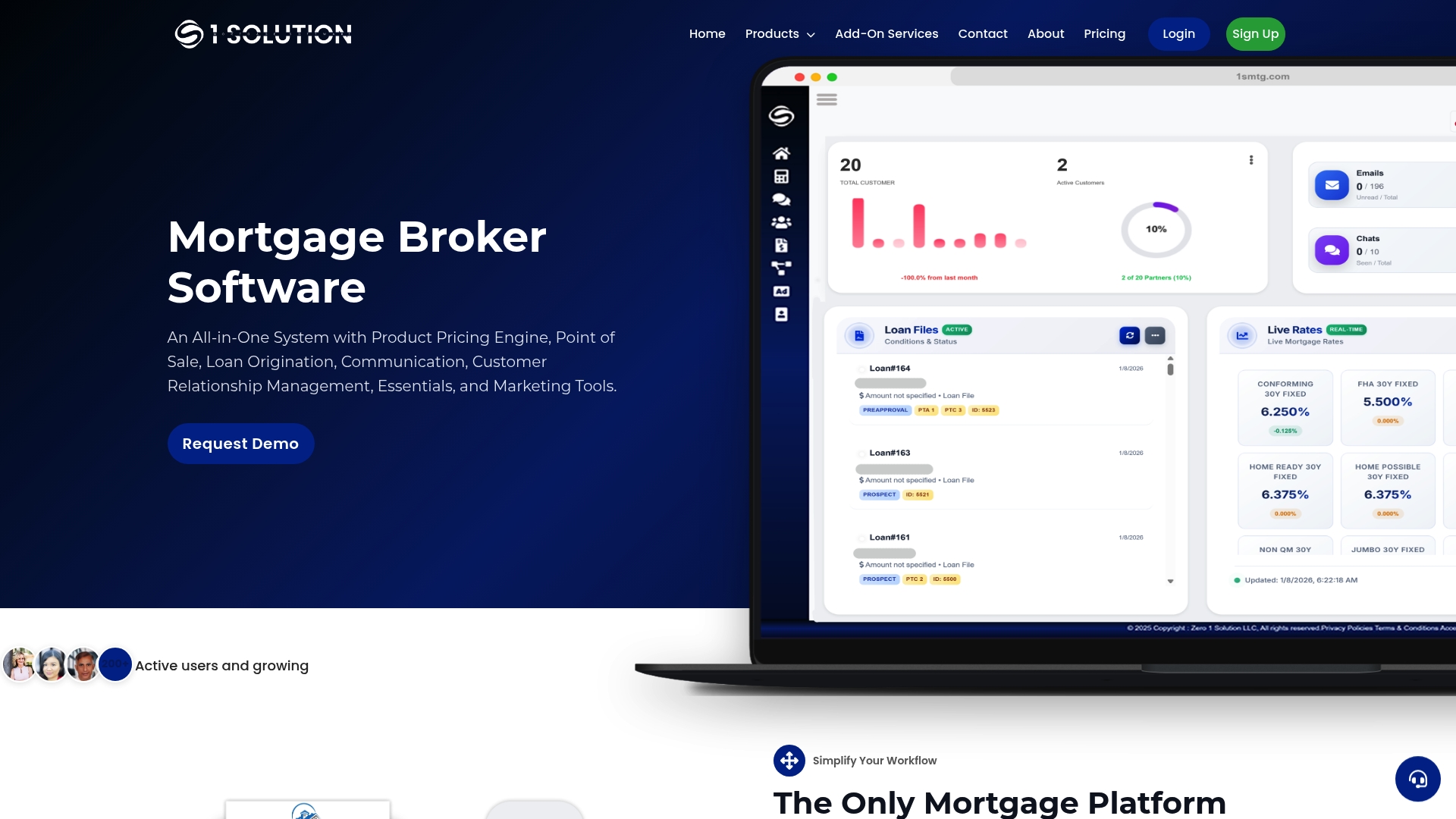
We built our platform for brokers. Our integrated POS and LOS bring borrower-facing screens and loan origination tools together. Our onboarding walks your team through getting started with the platform.
- Request a demo and see the borrower application flow.
- Discuss your workflow with our team.
- Discuss your export workflow with our team.
Start at 1smtg and tell us which workflow you want to tackle first.
FAQ
What does uniform residential loan application mean?
It is the standardized mortgage application, Form 1003, used across U.S. states. Fannie Mae's FAQ describes it as a common application whose fields map to MISMO v3.4 through the ULAD.
How do you build a compliant loan application form?
Start from the URLA and keep field names, descriptions and section order intact. Change only the rendering, then map every field to MISMO v3.4 and test the export against the DU and LPA specs before you go live.
What is the difference between a 1003 and a 1008?
The 1003 is the borrower's loan application, which captures the data the AUS reads. This article covers only the 1003.
Can lenders change the 1003 for their own workflow?
Yes, for presentation. Fannie Mae's rendering options permit changes to font, shading, text wrapping and pagination. They do not permit changes to field names, descriptions or section order.
Sources
- Rendering Options for the Uniform Residential Loan Application (URLA)
- Highlighting the Differences Between the Interactive and Dynamic Formats for the URLA
- Appendix B to Part 1003 — Form and Instructions for Data Collection on Ethnicity, Race, and Sex | Consumer Financial Protection Bureau